

Blog post page
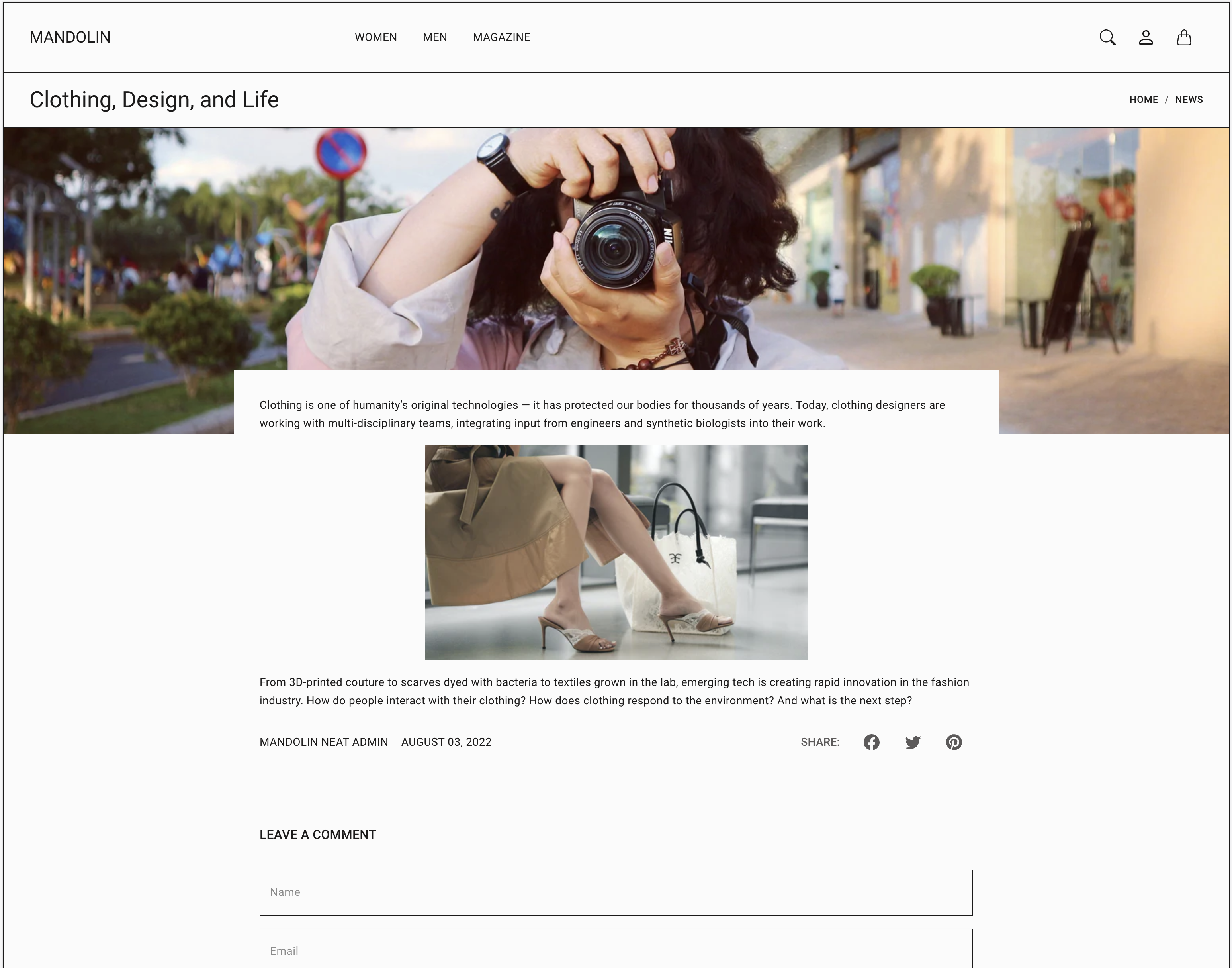
Overview
Section titled “Overview”Blog post pages display the content of the blog post.
Customize blog post
Section titled “Customize blog post”Steps:
- From your Shopify admin, go to Online Store > Themes.
- Find Mandolin theme that you want to edit, and then click Customize.
- You need to open up any blog post, from inside the theme editor area, or select the Blog posts from the dropdown at the top.
Section settings
Section titled “Section settings”| Setting | Description |
|---|---|
| Article image height | Set the height of article image using the drop-down menu:
|
| Show date | Displays the date that the blog post was published. |
| Show author | Displays the author. |
| SHARE BUTTONS | |
| Show share buttons | The clickable text that customers click to share the blog post to their social media. |