

Testimonials
Overview
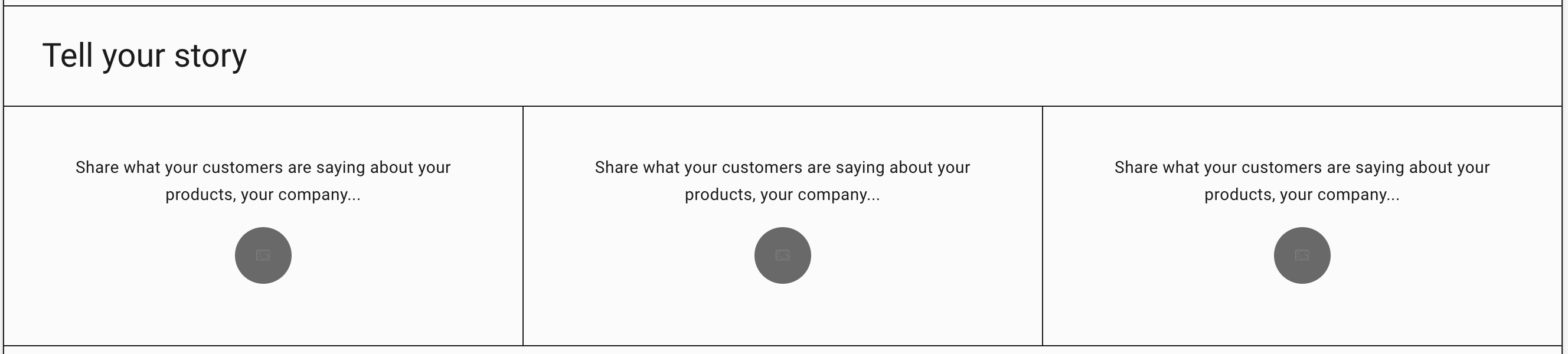
Section titled “Overview”Testimonial is the perfect way to develop your customer’s loyalty to your website.
Section settings
Section titled “Section settings”| Setting | Description |
|---|---|
| Spacing position | Choose from:
|
| Color scheme | A set of colors that you can apply to this section. Learn more about color schemes. |
| SECTION HEADER | |
| Heading | The heading of the section. |
| Heading size | Set the height of heading using the drop-down menu:
|
| CAROUSEL | |
| Number of testimonials per row | Number of testimonials to display on desktop computers. Minimum: 1. Maximum: 4. |
| Auto-rotate testimonials | Check this box to automatically rotate through the images in the slideshow. If this box is not checked, then the testimonials displays a static image until the customer manually advances the slideshow. |
| Change testimonials every | Use the bar to set the auto-rotate time of the testimonials. Minimum: 3 seconds, maximum: 16 seconds. |
| CARD | |
| Enable avatar top | Checked the checkbox to make the avatar above the content. |
Testimonial block
Section titled “Testimonial block”| Setting | Description |
|---|---|
| Image | Choose a certain image for your testimonial avatar. |
| Edit alt text | Click to set image alt text for search engine optimization and to describe the image for customers using screen readers. |
| Content | The comment of your testimonial. |
| Name | The commenter Name |
| Job | The commenter job |