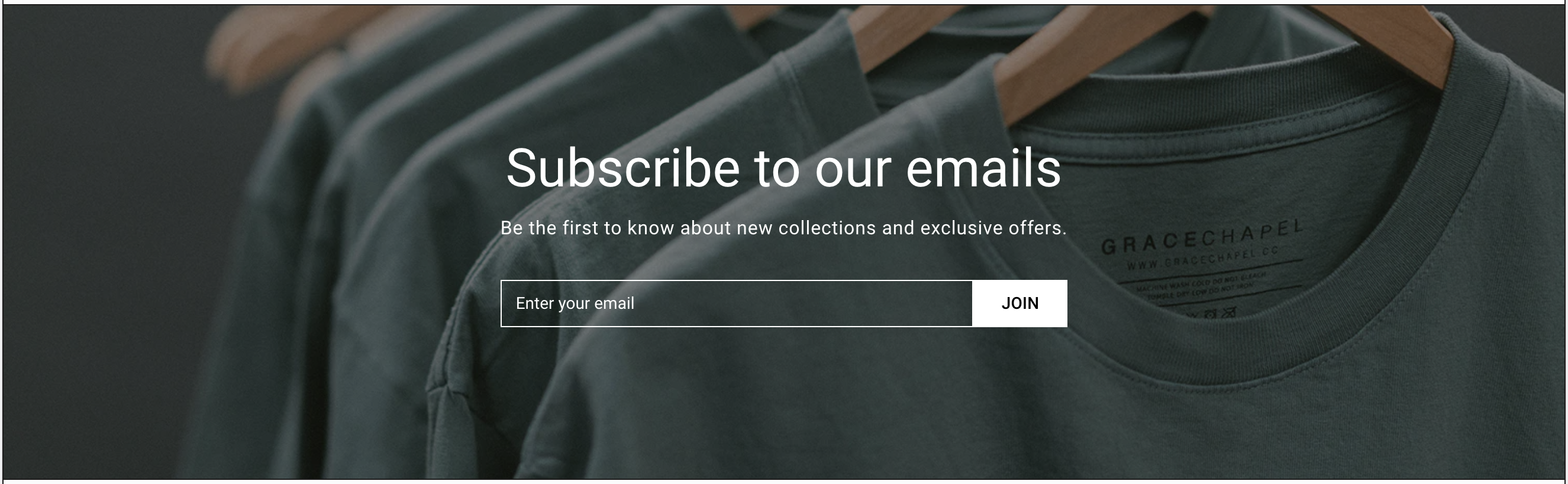
You can add a section where customers can enter their email address and subscribe to your newsletter or marketing. When a customer subscribes, a customer account is created in your Shopify admin.
The section comes with five default blocks:
- Heading
- Subheading
- Description
| Setting |
Description |
| Spacing position |
Choose from:
- None
- Top
- Bottom
- Top and Bottom
|
| Section height |
Set the height of the section using the drop-down menu.
|
| Content position |
The position of the content over the image. Choose between middle, or bottom, and left, center, or right. Middle center is the default setting. |
| Image |
The background image for the section. |
| Edit alt text |
Click to set image alt text for search engine optimization and to describe the image for customers using screen readers. |
| Background color |
Set the background color for the section. |
| FORM |
|
| Button label |
The text that displays on the button. |
| Button label color |
The text color for the button label. |
| Button background color |
The background color for the button. |
| Setting |
Description |
| Text |
The title for the section. |
| Color |
Set the color for heading text |
| Size |
Set the font size of heading using the drop-down menu:
|
| Setting |
Description |
| Text |
Subheading text |
| Color |
Set the color for subheading text |
| Setting |
Description |
| Text |
The description for the section |
| Color |
Set the color for description text |

