

Complementary products
Overview
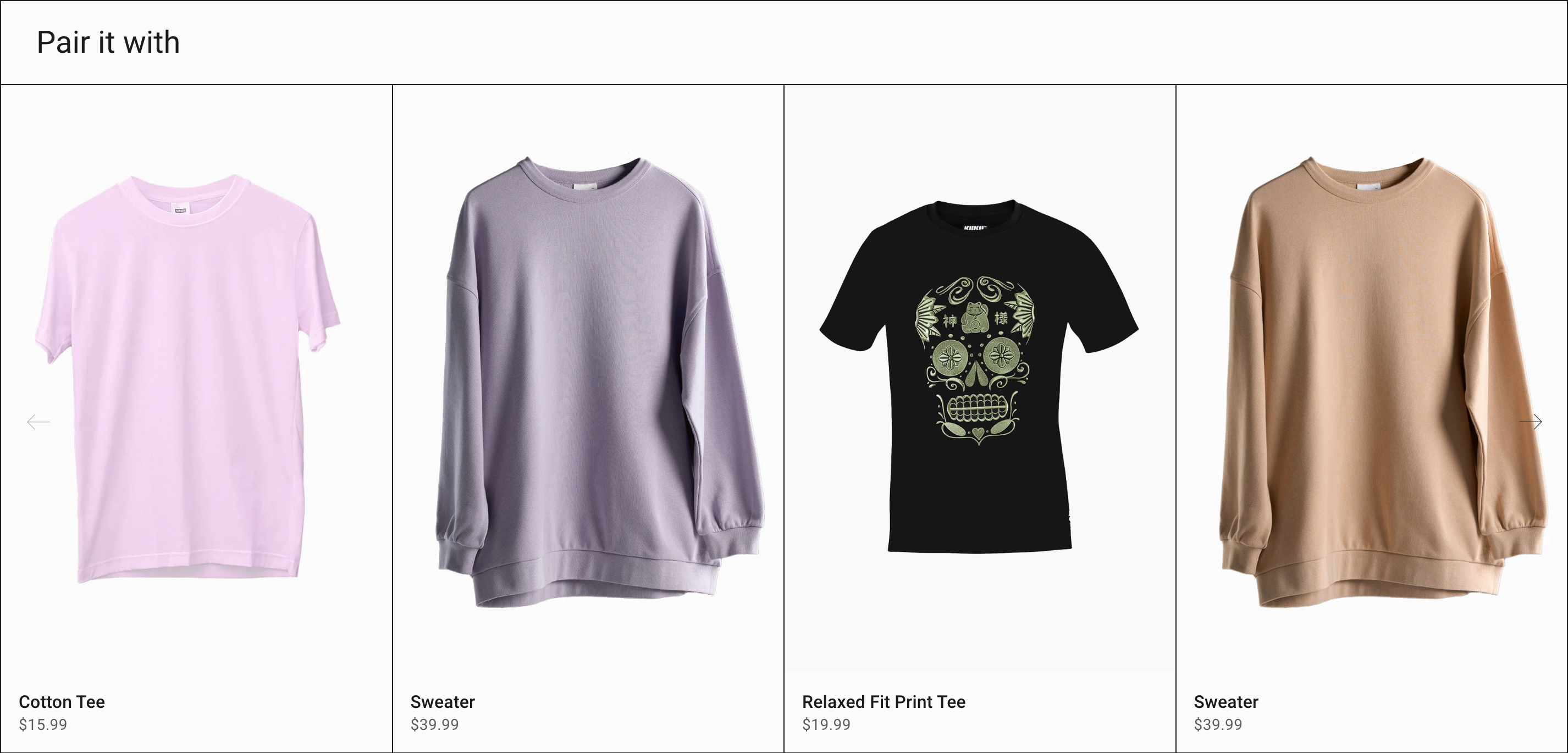
Section titled “Overview”Offer customers products that are complementary to a product the customer is interacting with. An example is add-on products that display in a Pair it with section.
Displaying recommended products to customers makes it easier for them to discover new products, and can help to increase online store sales.
Complementary recommendations need to be manually set up, can be configured using the Shopify Search & Discovery app.
Section settings
Section titled “Section settings”| Setting | Description |
|---|---|
| Spacing position | Choose from:
|
| Layout | Choose between Grid and Carousel |
| Color scheme | A set of colors that you can apply to this section. Learn more about color schemes. |
| Section header | |
| Heading | The heading of the section. |
| Heading size | Set the height of heading using the drop-down menu:
|
| GRID | |
| Maximum products to show | The number of products from the collection to display. Minimum: 2. Maximum: 24. |
| Number of columns on desktop | Number of columns to display on desktop computers. Minimum: 2. Maximum: 6. |
| Number of columns on mobile | Set a specific column layout for mobile devices When Layout mobile is stacked. Choose between 1 and 2 columns. Visible when the Layout setting is set to Grid. |
| PRODUCT CARD | |
| Show product info | Displays the product info for each product. |
| Show product rating | Displays the average product rating in stars with the number of reviews in parenthesis, for example: ★★★★★ (8). Also requires a product review app, and metafield definitions for reviews.rating_count and reviews.rating. |
| Show vendor | Displays the vendor for each product. |
| Show swatch | Displays the swatch for each product. |