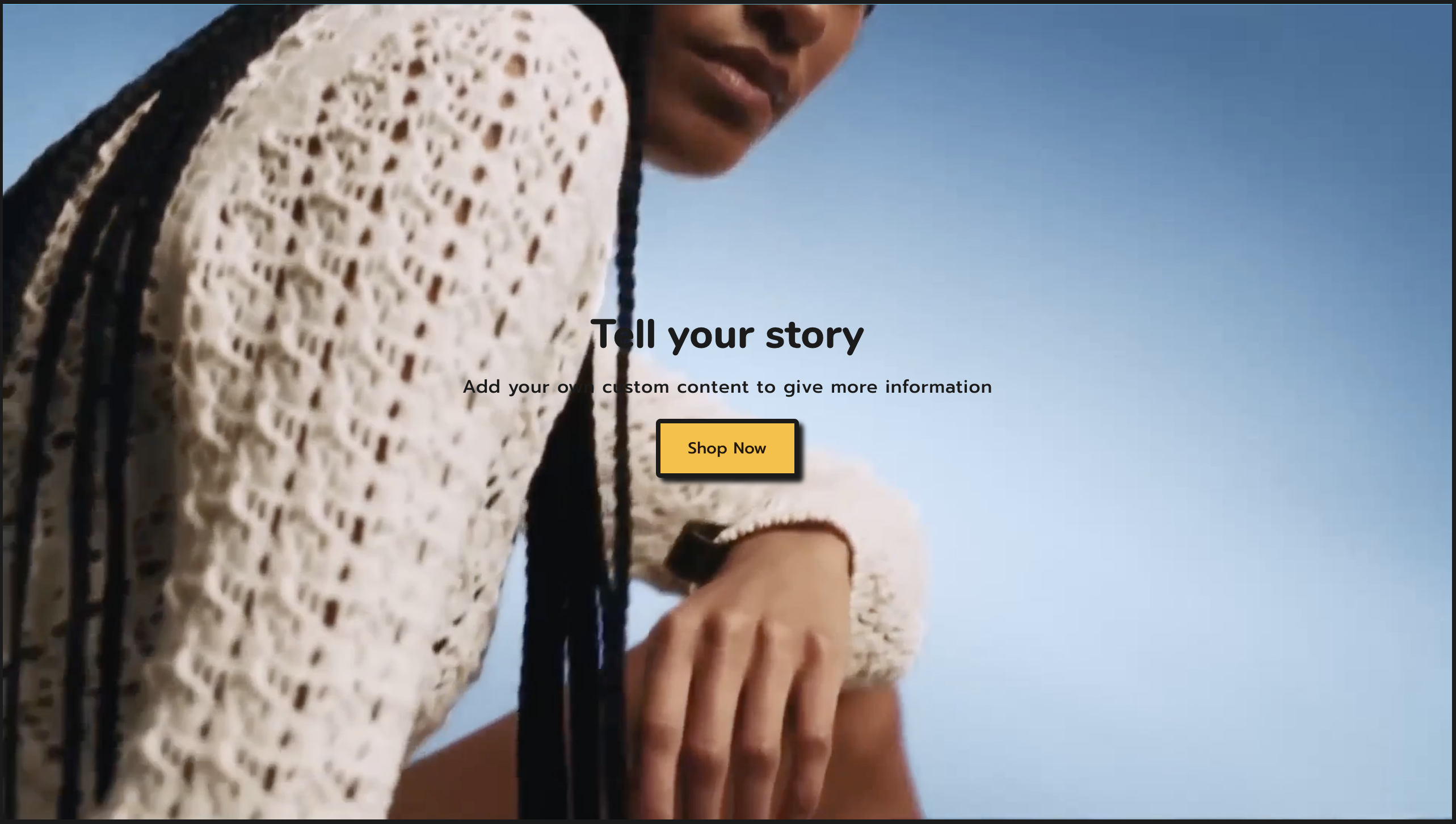
The section supports video, heading, subheading, buttons, Stamp background, Float icon.
| Setting |
Description |
| Section width |
Set the width of the section using the drop-down menu:
|
| Show top outline |
Displays the top outline of the section. |
| Show bottom outline |
Displays the bottom outline of the section. |
| Color scheme |
Set the color scheme of the section using the drop-down menu:
- Background
- Primary
- Secondary
- Tertiary
- Custom
|
| Background color |
Set the background of the section,visible when the Color scheme setting is set to Custom. |
| Text color desktop |
Set the text of the section,visible when the Color scheme setting is set to Custom. |
| Text color mobile |
Set the text of the section. |
| Video |
|
| Video |
Add or select your own video to the section. |
| Overlay opacity |
Adds an overlay to the video. Use the slider to set the opacity of the overlay. Defaults to 0%. |
| Video mobile |
Add or select your own video to the section for moible view. |
| Overlay opacity mobile |
Adds an overlay to the video. Use the slider to set the opacity of the overlay. Defaults to 0%. |
| Link |
Give the video a link when there is no content on it. |
| Content |
|
| Content position |
The position of the content above the video. Choose from:
- Top left
- Top center
- Top right
- Middle left
- Middle center
- Middle right
- Bottom left
- Bottom center
- Bottom right
|
| SECTION SPACING ADJUSTMENT |
Visible on desktop view and 'Section width' is Grid. You can set global vertical space in 'Theme settings - Layout - Vertical space between sections'. |
| Top |
Set the top spacing of the section. |
| Bottom |
Set the bottom spacing of the section. |
| Setting |
Description |
| Text |
Title text for the section. |
| Heading size |
The font size of the heading, Choose from the drop-down menu:
|
| Link |
The URL that you want the heading to link to. |
| Setting |
Description |
| Text |
Subheading text |
| Setting |
Description |
| Text |
Displays paragraph-style text. |
| Setting |
Description |
| Label |
The text that displays on the button. |
| Link |
The URL that you want the button to link to. |
| Style |
The style of the button. Choose from Primary and Secondary. |

