

Rich text
Overview
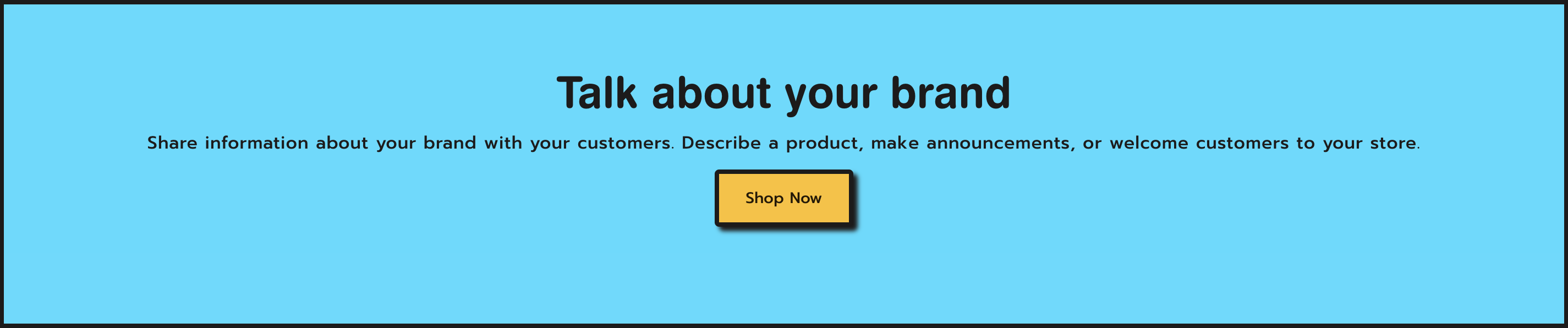
Section titled “Overview”You can add a rich text section with a header, paragraph content, and a button to link customers to a new page.
Section settings
Section titled “Section settings”| Setting | Description |
|---|---|
| Section width | Set the width of the section using the drop-down menu:
|
| Show top outline | Displays the top outline of the section. |
| Show bottom outline | Displays the bottom outline of the section. |
| Color scheme | Set the color scheme of the section using the drop-down menu:
|
| Background color | Set the background of the section,visible when the Color scheme setting is set to Custom. |
| Text color | Set the text of the section,visible when the Color scheme setting is set to Custom. |
| Content | |
| Content width | Set content width of the section. |
| Content alignment | The alignment of the content. Choose form the drop-down menu:
|
| Heading | Title text for the section. |
| Heading size | Set font size of the heading using the drop-down menu:
|
| Subheading | The subheading for the section. |
| Description | Paragraph-style text for the main content of the section. |
| Button label | The text that displays on the button. |
| Button link | The URL that you want the button to link to |
| Button style | The style of the button. Choose between Primary and Secondary |