

Before/after image
Overview
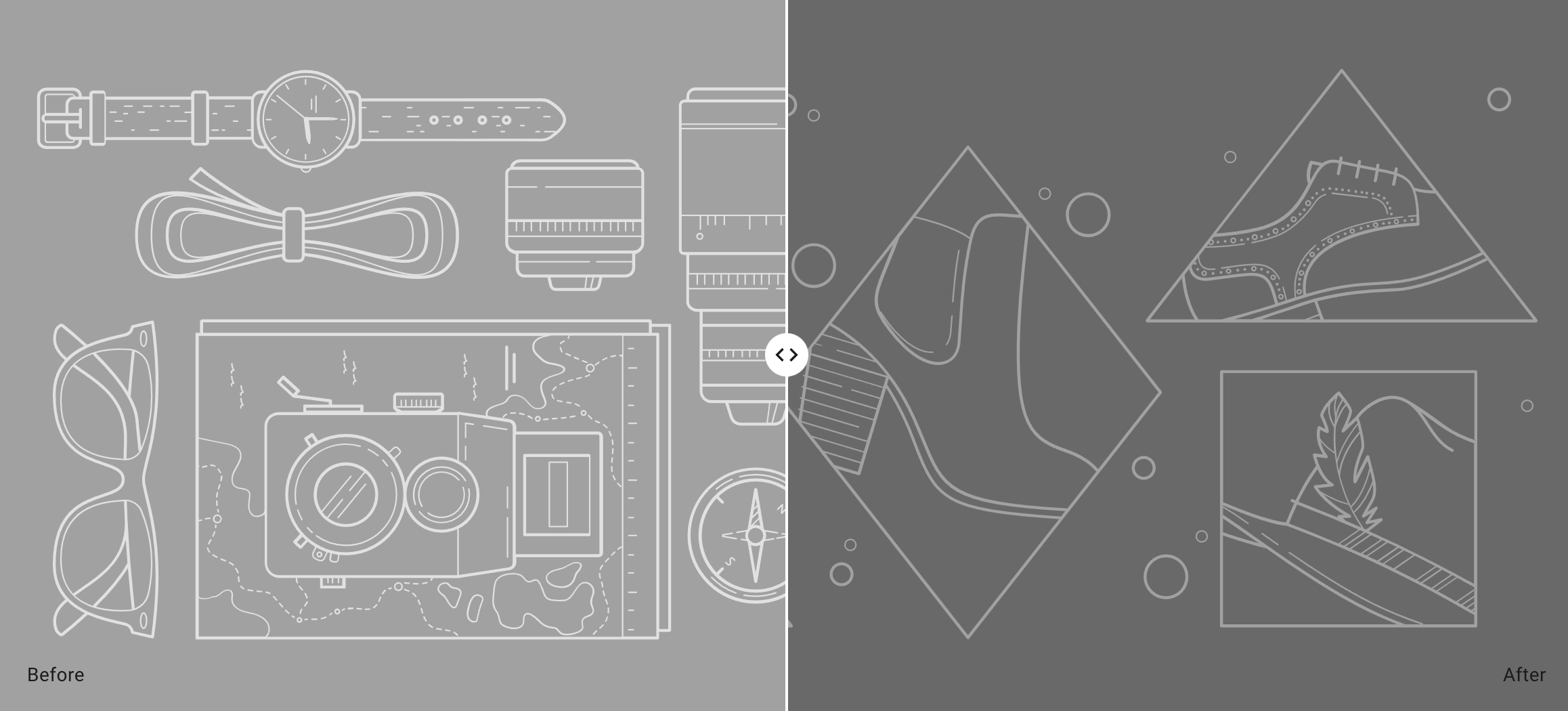
Section titled “Overview”Stylish comparison for your online shop. Bright labels and Hoover behavior will draw all attention of your viewers on product details. Use this template to announce remarkable upgrade or as an announcement of new collection. Style it, repainting any elements you like.
Section settings
Section titled “Section settings”| Setting | Description |
|---|---|
| Section width | Set the width of the section using the drop-down menu:
|
| Show top outline | Displays the top outline of the section. |
| Show bottom outline | Displays the bottom outline of the section. |
| Color scheme | Set the color scheme of the section using the drop-down menu:
|
| Background color | Set the background of the section,visible when the Color scheme setting is set to Custom. |
| Text color | Set the text of the section,visible when the Color scheme setting is set to Custom. |
| Section header | |
| Heading | The heading of the section. |
| Heading size | Set the height of heading using the drop-down menu:
|
| Button label | Enter text for a button, or leave blank to hide the button entirely. |
| Button link | The URL that you want the button to link to. |
| Cursor | |
| Direction | Choose between Horizontal and Vertical. |
| Initial position | Initial position of the cursor. |
| Background | Background color. |
| Arrows | Arrows color. |
| Label | |
| Before text | The label of the Before image. |
| Before text color | The color of the Before text. |
| After text | The label of the After image. |
| After text color | The color of the After text. |
| Image desktop | |
| Before image | Click Select image to choose a Before image for the desktop view. Click the Change button to change or remove the image. |
| Edit alt text | Click to set image alt text for search engine optimization and to describe the image for customers using screen readers. |
| After image | Click Select image to choose a After image for the desktop view. Click the Change button to change or remove the image. |
| Edit alt text | Click to set image alt text for search engine optimization and to describe the image for customers using screen readers. |
| Image mobile | |
| Before image | Click Select image to choose a before image for the mobile view. Click the Change button to change or remove the image. |
| Edit alt text | Click to set image alt text for search engine optimization and to describe the image for customers using screen readers. |
| After image | Click Select image to choose a after image for the mobile view. Click the Change button to change or remove the image. |
| Edit alt text | Click to set image alt text for search engine optimization and to describe the image for customers using screen readers. |