Collection page
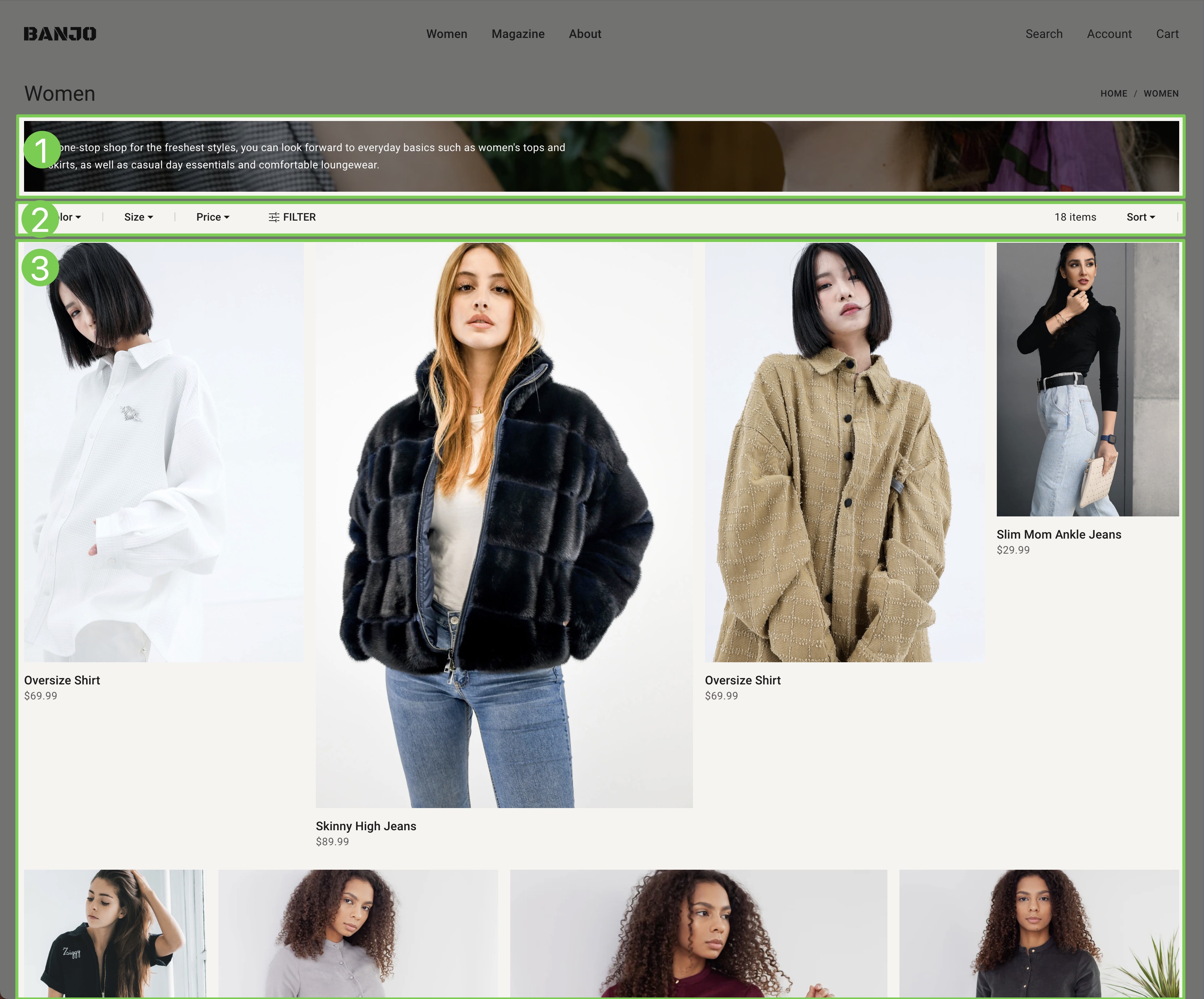
Overview
Section titled “Overview”Collection pages display your products in a grid, along with additional controls for sorting, filtering, and more.
Customize collection page
Section titled “Customize collection page”Steps:
- From your Shopify admin, go to Online Store > Themes.
- Find the theme that you want to edit, and then click Customize.
- You need to open up any collection, from inside the theme editor area, or select the collection page from the dropdown at the top.
Collection information
Section titled “Collection information”
Product grid
Section titled “Product grid”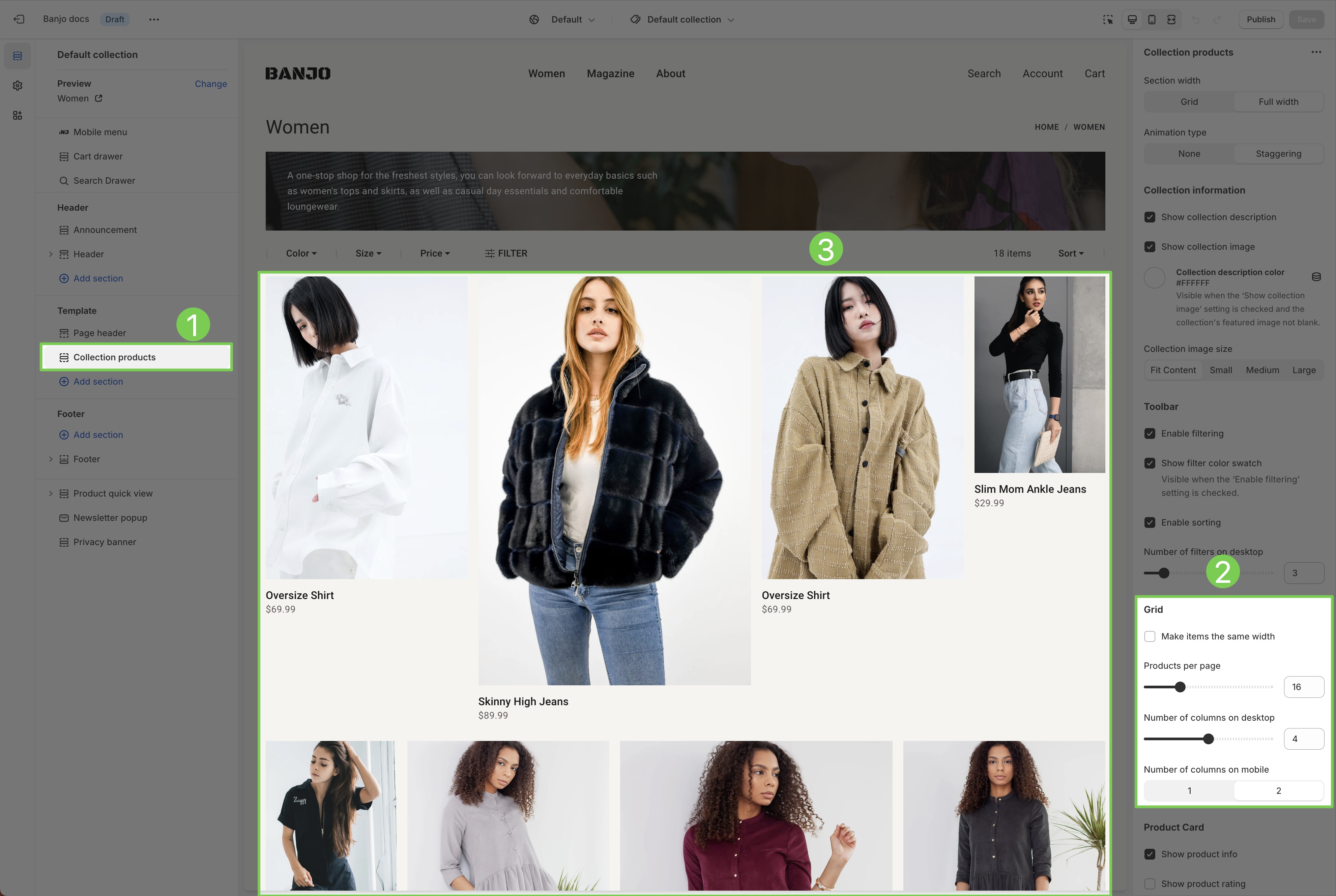
Filter toolbar
Section titled “Filter toolbar”