

FAQ page
The FAQ (frequently asked questions) page template displays common questions and answers from customers using a dynamic, accordion-style layout.
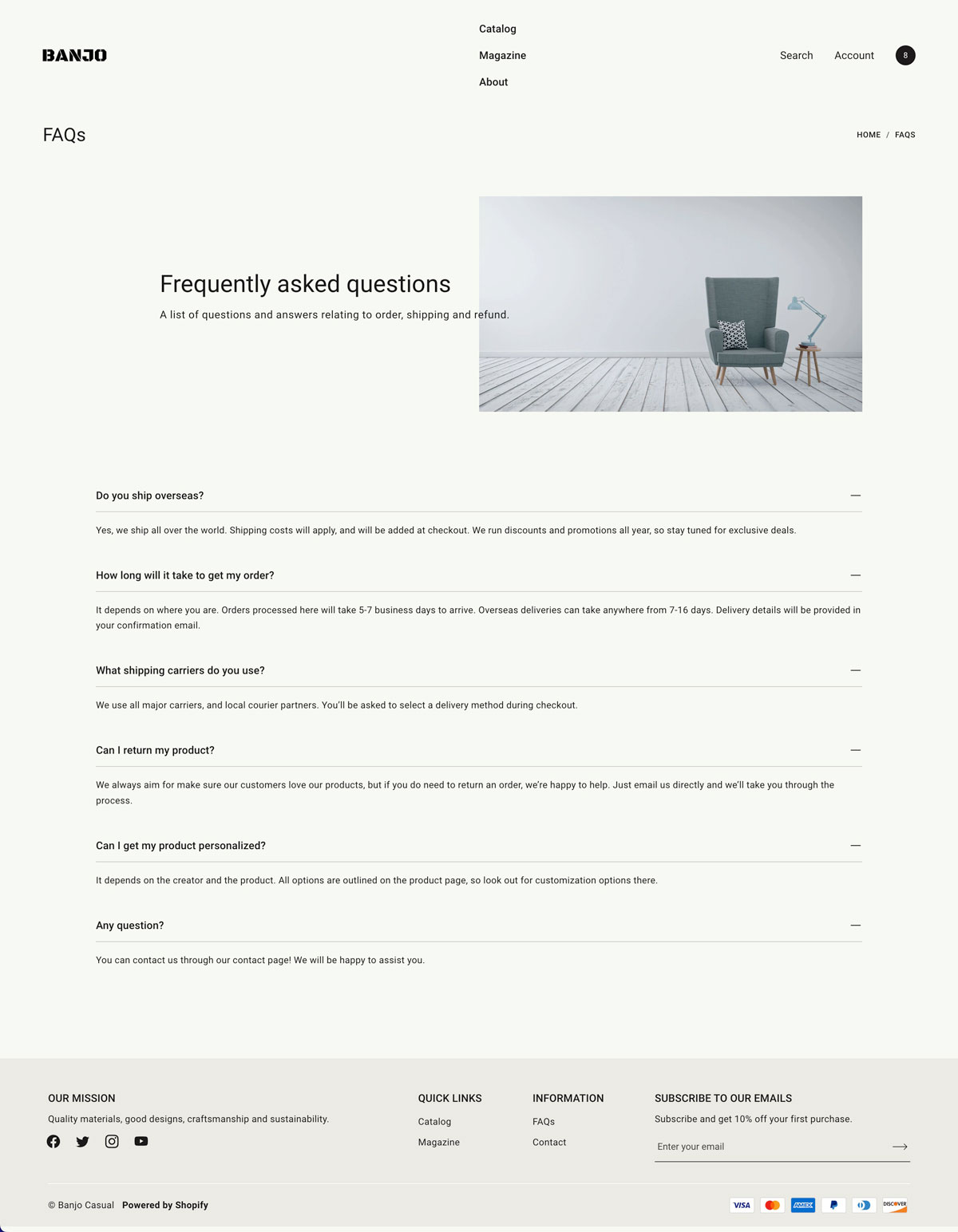
By default, FAQ page have a Page information section, a Image with text section and a FAQ section.
You can follow the steps below to customize faq template:
- Head to Admin > Online store > Customize theme.
- From the theme editor area’s dropdown option menu, select Pages > faq.
- On the left hand side menu panel, after the page preview has loaded, you will see a FAQ Section.
You can follow the steps below to create a faq page:
- From your Shopify admin, go to Online Store > Pages.
- Click Add page.
- In the Title box, type a title for your contact page, such as FAQs.
- In the Content box, type any text that you want to appear above the page top. You can leave this section blank.
- In the Online store section, choose faq from the Theme template drop-down menu.
- Click Save.