

Timeline
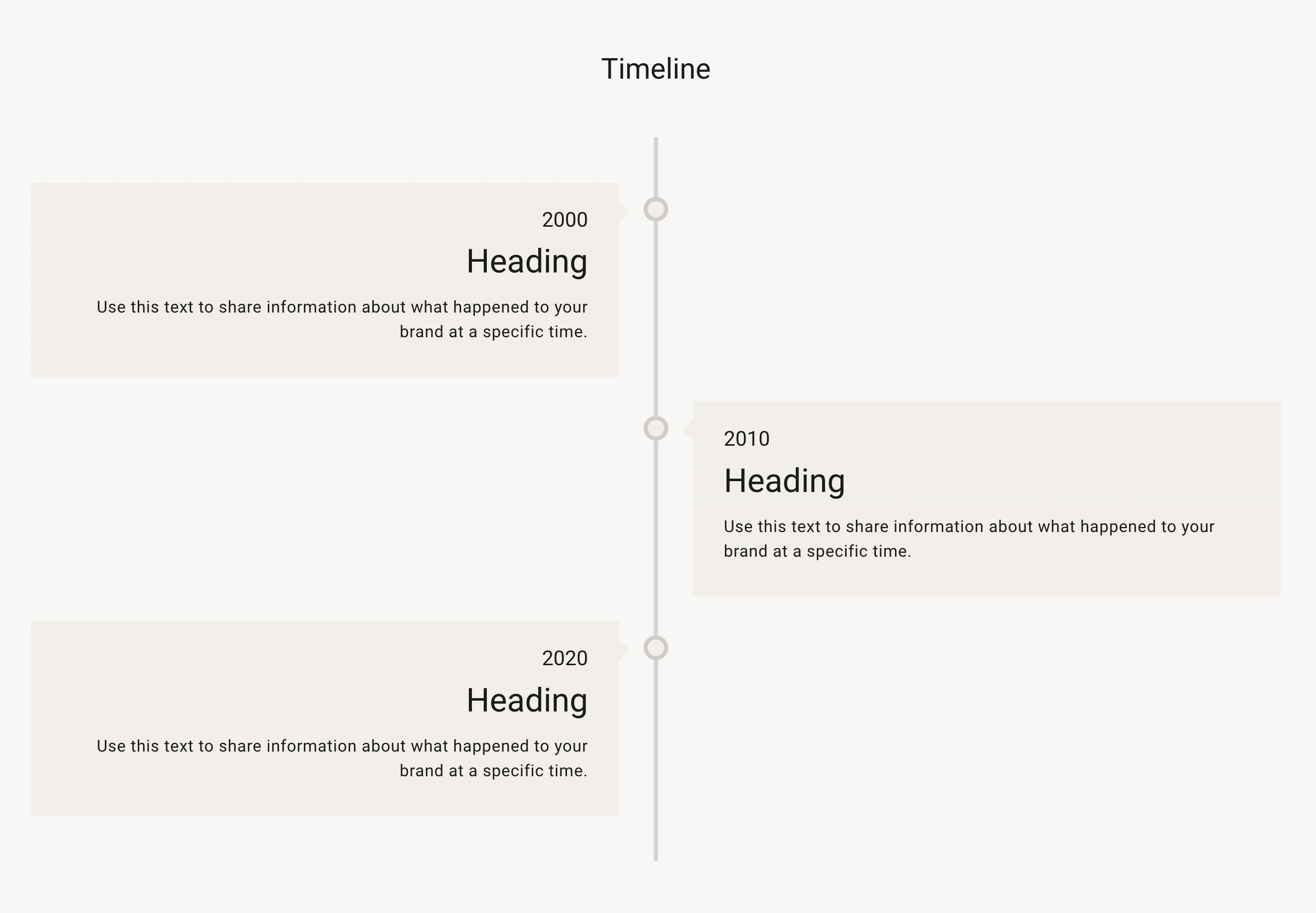
Overview
Section titled “Overview”A section that lets you display all sorts of events or milestones in chronologically arranged vertical layouts.
Section settings
Section titled “Section settings”| Setting | Description |
|---|---|
| Section width | Set the width of the section using the drop-down menu:
|
| Section spacing | Set the spacing of the section using the drop-down menu:
|
| Section header | |
| Heading | The heading of the section. |
| Header alignment | Choose the alignment of the section heading. Options are Left and Center. |
| Heading size | Set the height of heading using the drop-down menu:
|
| Subheading | The subheading of the section. |
| Button label | Enter text for a button, or leave blank to hide the button entirely. |
| Button link | The URL that you want the button to link to. |
| Item | |
| Background | Set the background color of the section. |
| Text | Set the text color of the section. |
| Separation border | Set the separation border color. |
Item block
Section titled “Item block”| Setting | Description |
|---|---|
| Subheading | The subheading of the section. |
| Heading | The heading of the section. |
| Heading size | Set the height of heading using the drop-down menu:
|
| Description | The description of the section. |