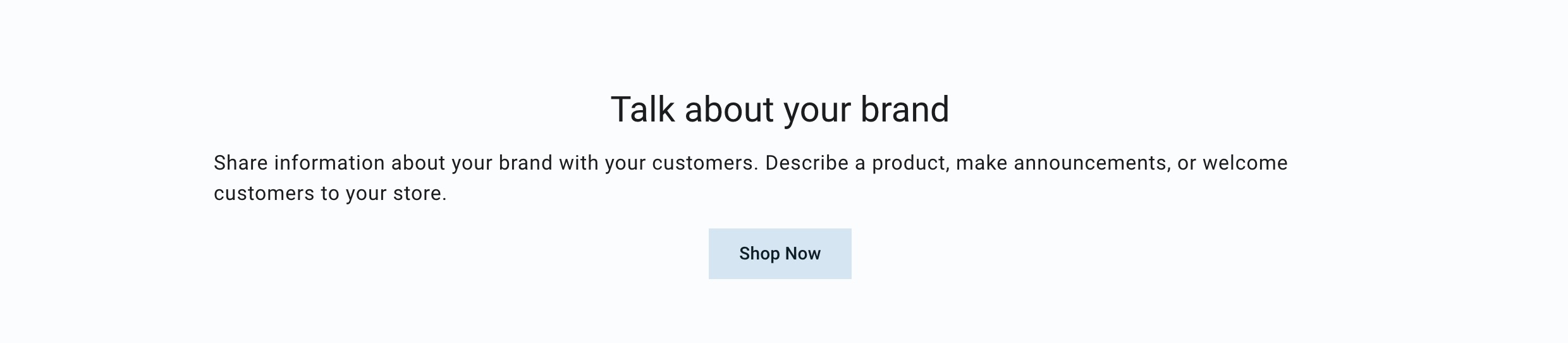
You can add a rich text section with a header, paragraph content, and a button to link customers to a new page.
| Setting |
Description |
| Section width |
Set the width of the section using the drop-down menu:
|
| Section spacing |
Set the spacing of the section using the drop-down menu:
|
| Background color |
The background of the section. |
| Text color |
The text color of the section, includes heading, subheading and description block text. |
| Content alignment |
The alignment of the content. Choose form the drop-down menu:
|
| Setting |
Description |
| Heading |
Title text for the section. |
| Heading size |
Set font size of the heading using the drop-down menu:
|
| Setting |
Description |
| Text |
The subheading for the section. |
The Description block is a good way to share information about your brand with your customers. You can describe the benefits of your products, make announcements, welcome customers to your store, or talk about your brand values.
| Setting |
Description |
| Text |
Paragraph-style text for the main content of the section. |
| Setting |
Description |
| Label |
The text that displays on the button. |
| Link |
The URL that you want the button to link to |
| Style |
The style of the button. Choose between Primary and Secondary |

